Prepare court files for your expert report, fully structured.
BEAMON maps the parties’ submissions to the questions of evidence, reviews your documents and builds the framework of the report in your template. The technical assessment remains yours.
- Full Access
- No Credit Card




What our clients say:
“We looked at many AI solutions, but BRYTER’s was the one that best suited our needs – efficiency gains through targeted AI support for the tasks and workflows most relevant to our core practice areas.”

Dr. Constanze Kugler
Counsel and AI expert, REIUS.











What BEAMON is used for
Court-appointed and private experts use BEAMON for the work before and after the assessment: analysing the order for evidence, reviewing the court file, sifting documents, structuring the report and answering supplementary questions. BEAMON reads the entire file, sets out both sides’ submissions for each question of evidence and flags where connecting facts are missing or disputed.

What you get
Getting up to speed on a file takes considerably less time, and every submission relevant to a question of evidence is taken into account. Ambiguities in the order for evidence are spotted early. You still write the findings and assessment; BEAMON handles the preparatory file work.
An agent for entire tasks
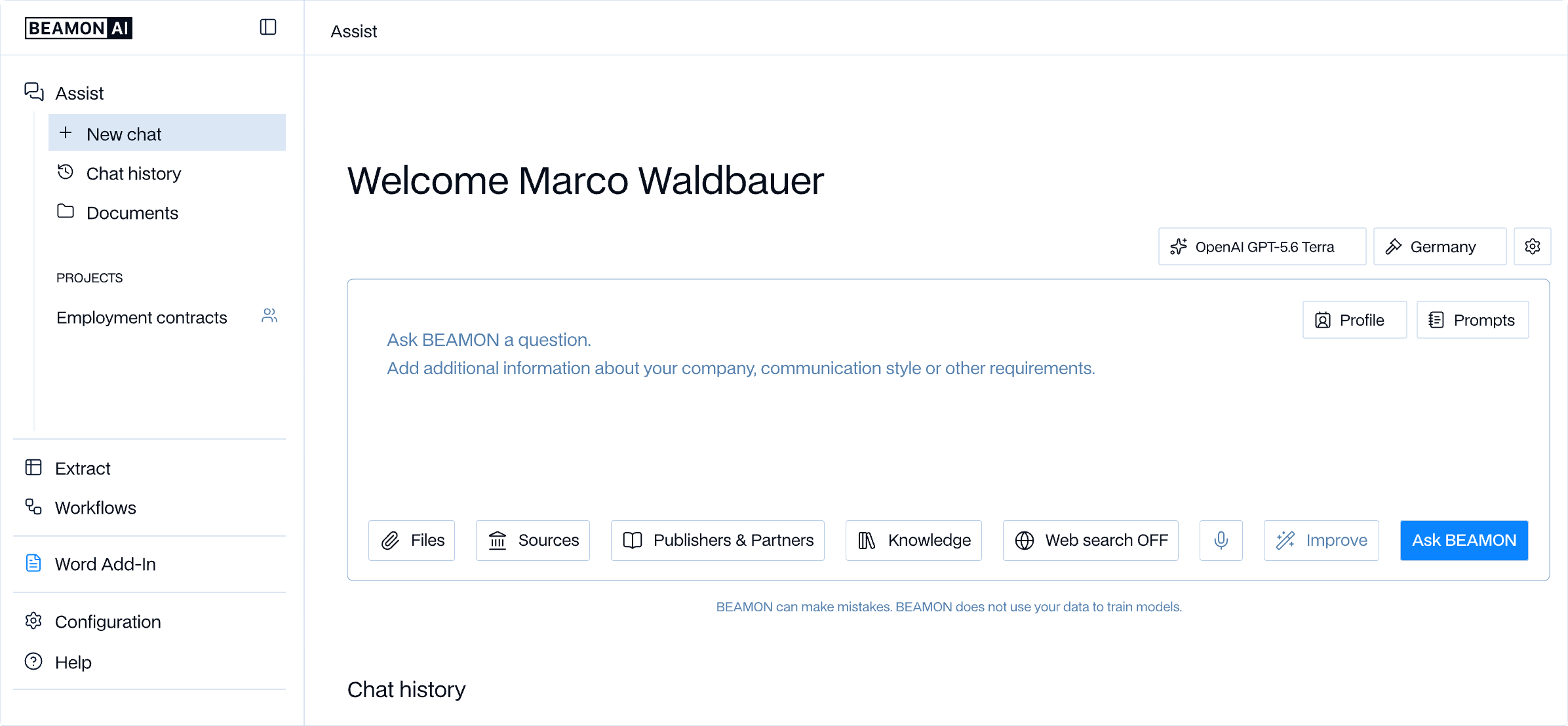
Hand BEAMON a complete task, such as a statement of defence or a contract review with all its annexes. BEAMON draws up a work plan, reads every document in full – even files running to thousands of pages – carries out follow-up research and checks interim results before it responds. You receive the result as a Word, Excel or PowerPoint file in your own template. Every step and every source used is traceable.
Plan
BEAMON breaks the task down into steps and shows you the plan.
Read
The main document and all annexes are read in full, in multiple passes.
Check
Research across your documents, specialist legal publishers and the web. Any gaps are filled with further research.
Deliver
Draft, table or report as a file, with a source citation for every statement.
Typical use cases

Analyse the order for evidence
List the questions of evidence, connecting facts and ambiguities, and prepare queries to the court.

Reports in your template
Set up the structure, facts and file extract in your report format. Findings and assessment remain yours.

Review the court file
Set the claimant’s and defendant’s submissions side by side for each question of evidence, with page references.

Supplementary questions and objections
Structure the parties’ objections and prepare a response to each point.

Sift documents
Arrange records, invoices and correspondence chronologically and map them to the questions of evidence.
Duties and fees
Check your duties under Section 407a ZPO as a checklist and prepare your invoice under the JVEG.

Secure for client data.
More than 15,000 users in law firms and legal departments
- Hosted in Frankfurt am Main, processed exclusively in the EU
- SOC 2 Type II and ISO 27001 certified
- Your data is never used to train language models
- Compliant with professional secrecy: client files may be processed in BEAMON
- Content from leading legal publishers, with a source for every statement